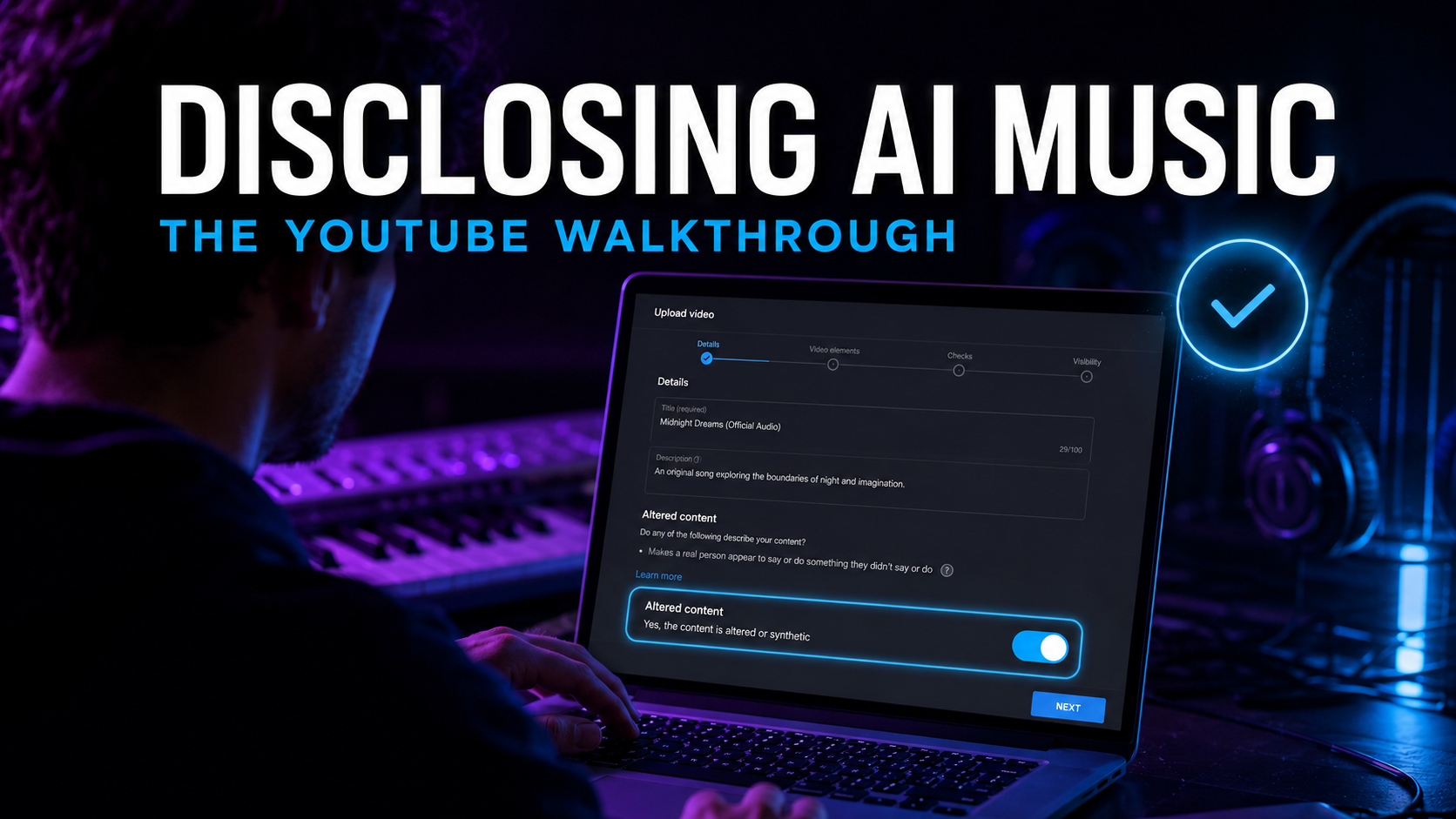
How to Disclose AI Music on YouTube (2026 Walkthrough)
The altered-content flag takes one toggle and doesn't touch reach or monetisation — hiding it is what gets channels suspended. The exact walkthrough, plus the Shorts, hybrid-track, and animated-visual edge cases.
Contents7 sections
Disclosing AI music on YouTube takes one toggle and costs you nothing — YouTube states outright that the label "won't limit a video's audience or impact its eligibility to earn money." Not disclosing is what costs: forced labels, removal, or suspension from the Partner Program. Here is the exact walkthrough, what the label does and doesn't do, and the edge cases — Shorts, animated visuals, hybrid tracks — that trip people up.
This is the operational companion to our pillar on the full monetisation math for AI music on YouTube — read that for what a disclosed, monetised video actually earns. Policy quotes below were checked against YouTube's help pages in August 2026.
What Counts as "Altered Content" for a Music Release
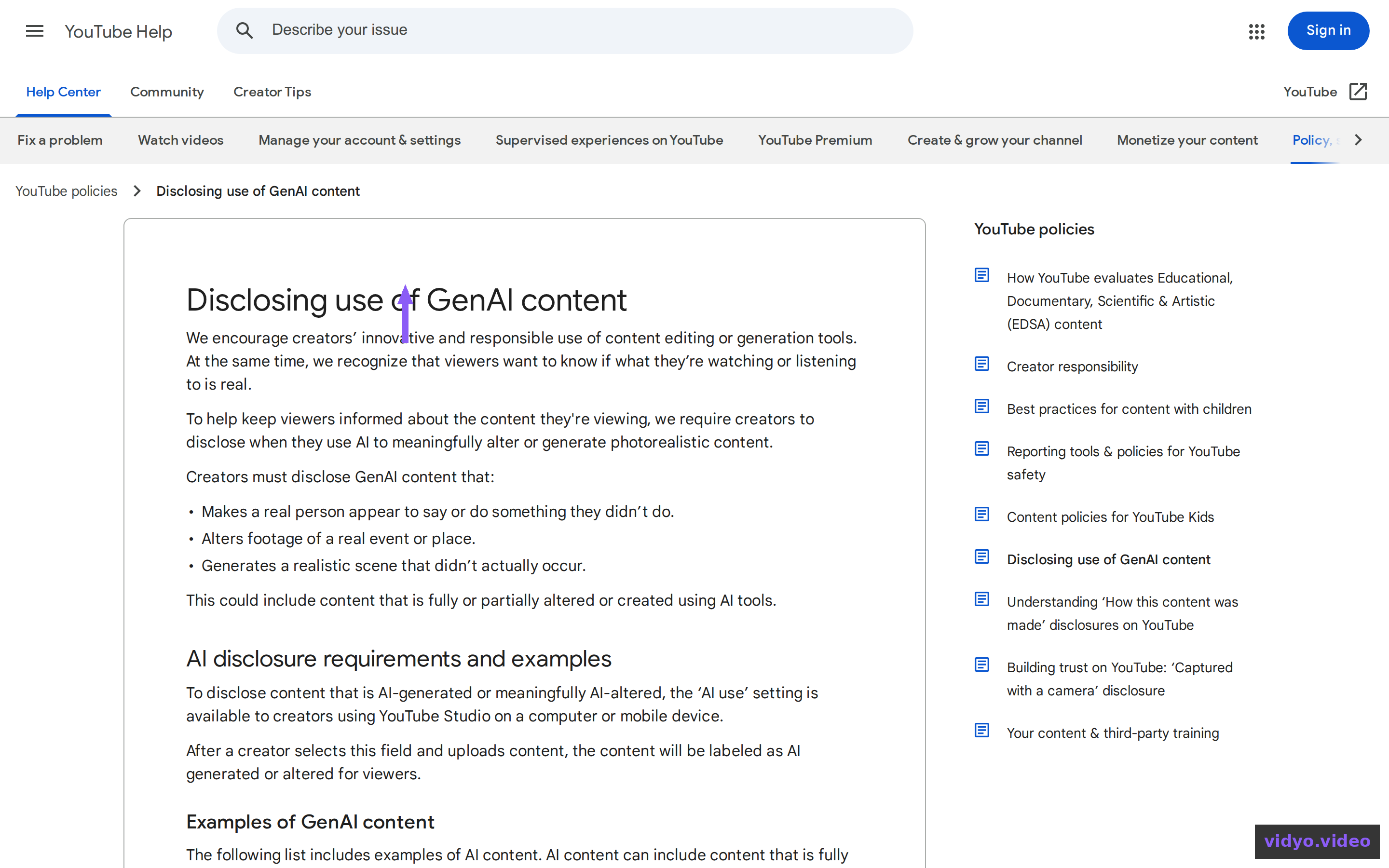
YouTube's rule, rolled out from March 2024, targets realistic altered or synthetic content — things a reasonable viewer could mistake for real. Its own examples list names "AI generated music" directly, including synthetic tracks that could be mistaken for a real artist's performance. That means the song itself triggers the requirement, regardless of what's on screen.
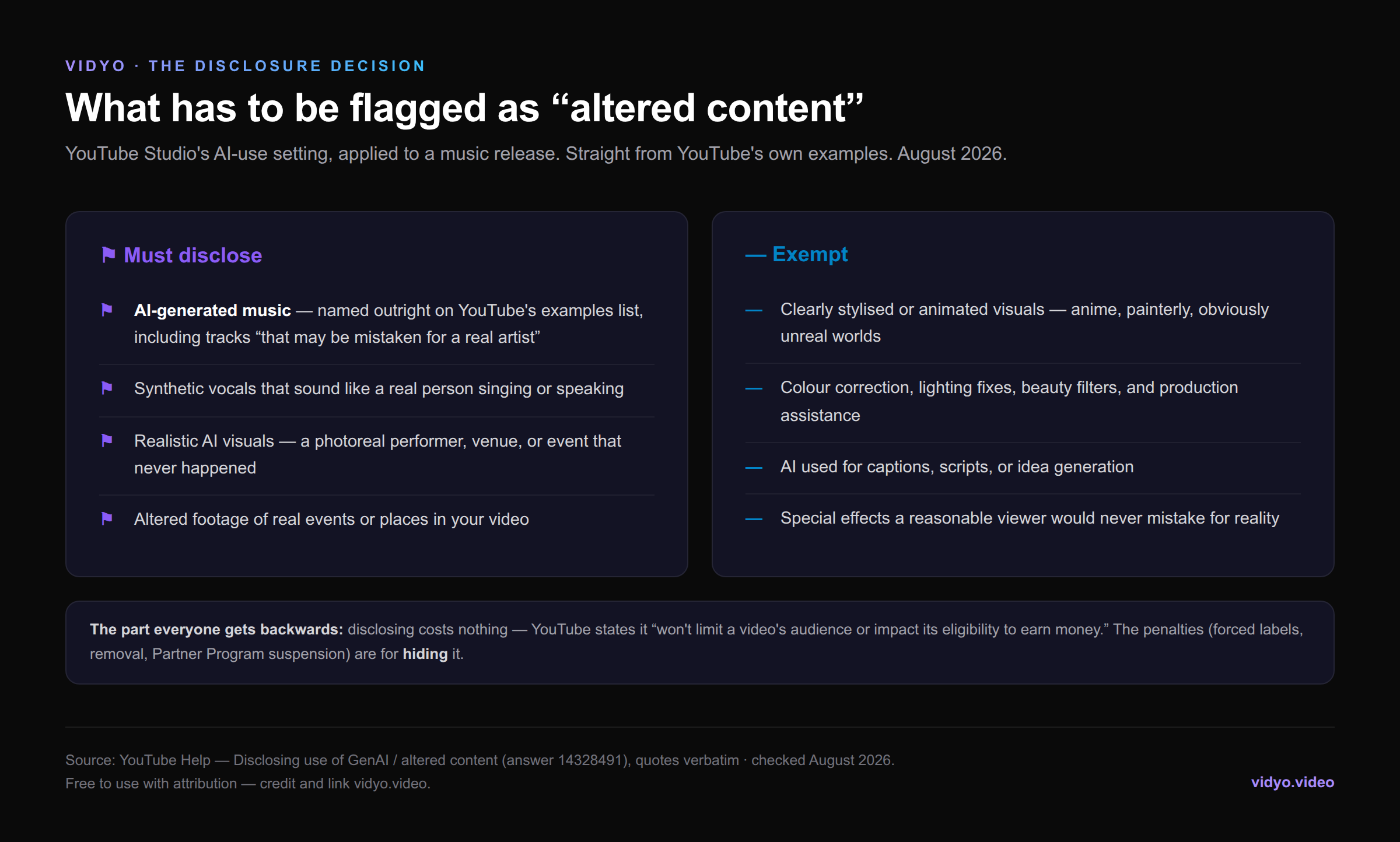
The exemptions matter just as much. Clearly stylised or animated visuals — an anime-styled Vidyo video, a painterly lyric video — don't require disclosure as visuals, because nobody mistakes them for reality. Colour correction, beauty filters, AI-assisted scripts and captions: all exempt. The common mistake is reasoning "my video is obviously animated, so I don't need to disclose" — the audio is still synthetic, and the audio is on the list.
The 60-Second Walkthrough
The disclosure lives in the upload flow, not in some buried settings page. Five steps, none of them optional:
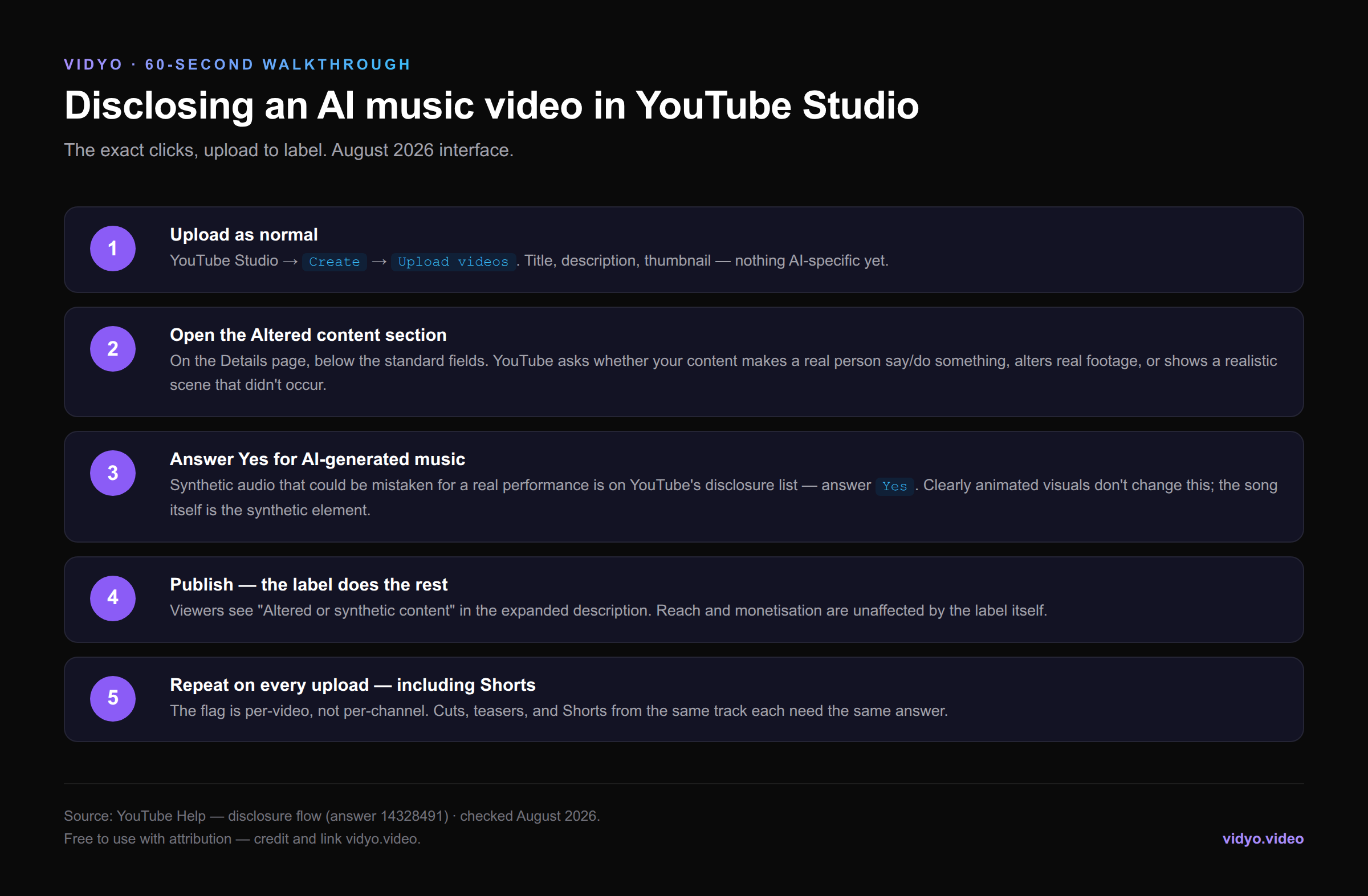
Two details worth engraving. First, the flag is per-video: every cut, teaser, and Short from the same track needs its own answer — a release built from one Vidyo Release Kit means checking the box six times, once per output. Second, the disclosure question asks about realistic scenarios (real person saying something they didn't, altered real footage, realistic fabricated scenes). Synthetic music that could pass for a human performance falls under the same yes — answer honestly rather than lawyering the checkbox, because YouTube reserves the right to apply labels itself for creators who "consistently choose not to disclose."
What the Label Does — and Doesn't Do
After you publish, viewers see "Altered or synthetic content" in the expanded description; for sensitive photorealistic content the label can appear on the player itself, but a music video with stylised visuals gets the quieter placement. What the label does not do, per YouTube's own policy: reduce your reach, suppress recommendations, or affect Partner Program eligibility. Disclosure and demonetisation are separate systems — the thing that demonetises AI channels is the inauthentic-content policy covered in our pillar, which targets mass-produced uploads, disclosed or not.
What Hiding It Costs
The enforcement ladder for persistent non-disclosure: YouTube applies the label for you, then content removal, then suspension from the Partner Program — the same program you spent 1,000 subscribers and 4,000 watch hours qualifying for. It's an asymmetric bet with no upside: the label costs nothing, the hiding can cost the channel's income. There's also a commercial angle people miss: distributors and sync buyers increasingly ask about AI provenance, and a public YouTube channel that visibly discloses matches the answers you give elsewhere. Consistency is cheap insurance.
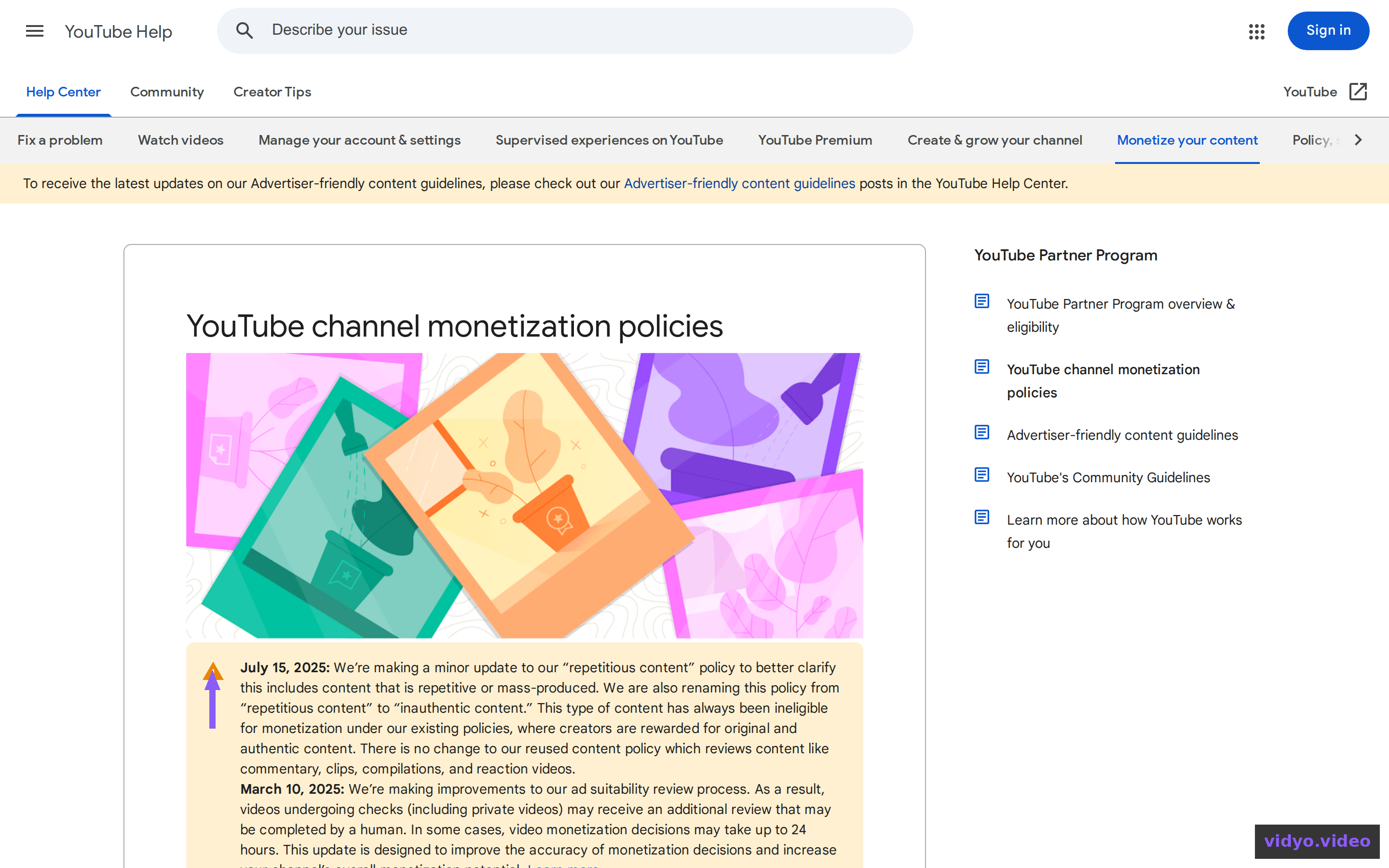
Five Disclosure Myths That Cost AI Musicians Money
Myth 1: "The AI label buries your video in the algorithm." There is no evidence for this anywhere in YouTube's documentation, and the policy states the opposite in plain words. What actually buries channels is the inauthentic-content policy — a different rule that punishes mass production, not honesty. Confusing the two leads people to hide the label and keep the conveyor-belt upload schedule, which is exactly backwards: they take the real risk to avoid the imaginary one.
Myth 2: "Nobody can tell anyway." Detection is an arms race you don't control. Platforms, distributors, and free checkers all screen for AI fingerprints — we documented how aggressive that screening has become in our Undetectr review — and a channel caught systematically hiding disclosures faces the Partner Program penalty, not just a label.
Myth 3: "Disclosure is a channel-level setting." It's per video. Set-and-forget doesn't exist; build it into your upload checklist the way you build in the end screen.
Myth 4: "Disclosing on YouTube contradicts what I told my distributor." It's the reverse: distributors ask their own AI questions now, and inconsistent answers across platforms are what create account risk. One honest posture everywhere is the only stable strategy.
Myth 5: "The label matters more than the music." Viewers largely don't care. Lo-fi, phonk, and ambient channels wear the label openly and their audiences keep listening. The label is a footnote in the expanded description; your thumbnail, first ten seconds, and song quality decide everything the label is blamed for.
Edge Cases: Shorts, Hybrids, and Voice
- Shorts: same rule, same per-video toggle. Six Shorts from one track = six disclosures.
- Hybrid tracks (your vocals or lyrics over AI instrumentation): still disclose — part of the audio is synthetic. Hybrids matter for a different reason: human authorship is what reopens copyright and Content ID, which wholly AI tracks can't touch — our Content ID guide for AI music maps exactly where that line sits.
- Voice likeness: a synthetic voice imitating an identifiable real artist isn't a disclosure question — it's a takedown-and-strike question. Don't ship soundalikes of real people.
- Re-releases: adding a disclosure to an already-published video is an edit in Studio, not a re-upload. Fix old uploads rather than deleting them.
The Release-Day Disclosure Checklist
Fold disclosure into the same five minutes as the rest of your upload hygiene and it stops being a decision at all:
- Altered-content toggle: Yes — on the main video and every cut and Short from the same track.
- Description line one: your store or pre-save link — the conversion job the video actually exists for.
- Description line two (optional but smart): a plain-language note — "Music created with AI tools, directed and produced by [artist]." It pre-empts comment-section litigation and reads as confidence, not confession.
- Pinned comment: repeat the store link; pinned comments survive description truncation on mobile.
- Consistency check: the same AI answer you gave your distributor and any sync platform. One posture, everywhere.
Once the video is disclosed and live, its job is conversion, not ad pennies — the description's first line should send viewers somewhere the economics work, like a storefront where you sell the release directly and keep every dollar. The pillar's arithmetic shows why: ads pay $1–$3 per 1,000 views; one $7 sale per 1,000 viewers beats that four to eleven times over.
Eddie Mathews is the music & AI tools editor at Vidyo. Policy quotes were checked against YouTube's help pages (answers 14328491 and 1311392) in August 2026.