Lyric Video Maker: A Workflow for AI Songs (2026)
Choose a lyric video maker for AI songs, fix lyric timing and build readable captions. Finish your Suno V6 or WaveQuake soundtrack before editing video.
Contents9 sections
- Choose the editor by the corrections you need
- Approve the soundtrack before timing the words
- Make the lyric sheet match the performance
- Time phrases before animating individual words
- Build a readable visual system
- Let the background support the lyric
- Export and review the complete video
- Keep the project ready for a revision
- Frequently asked questions
A lyric video maker needs to do more than place attractive text over a song. It must let you match the words that are actually sung, control when they appear and keep them readable while the music and picture move.
AI-generated songs add a particular challenge: the delivered performance can differ from the lyric entered during creation. Before building a video for a Suno V6 or WaveQuake recording, approve the audio and create a lyric sheet that matches it. The editing workflow becomes much simpler once those two sources agree.
Choose the editor by the corrections you need
Start with the work the video requires. A simple phrase-by-phrase presentation needs dependable text timing and export. A more animated design also needs reusable titles, layers and control over movement. Automatic captions can save typing, but only if you can correct their mistakes efficiently.
Look for a timeline that makes individual text events easy to inspect, a readable preview and an export route appropriate to your destination. Test those functions on a short passage before committing a complete song to an unfamiliar editor.
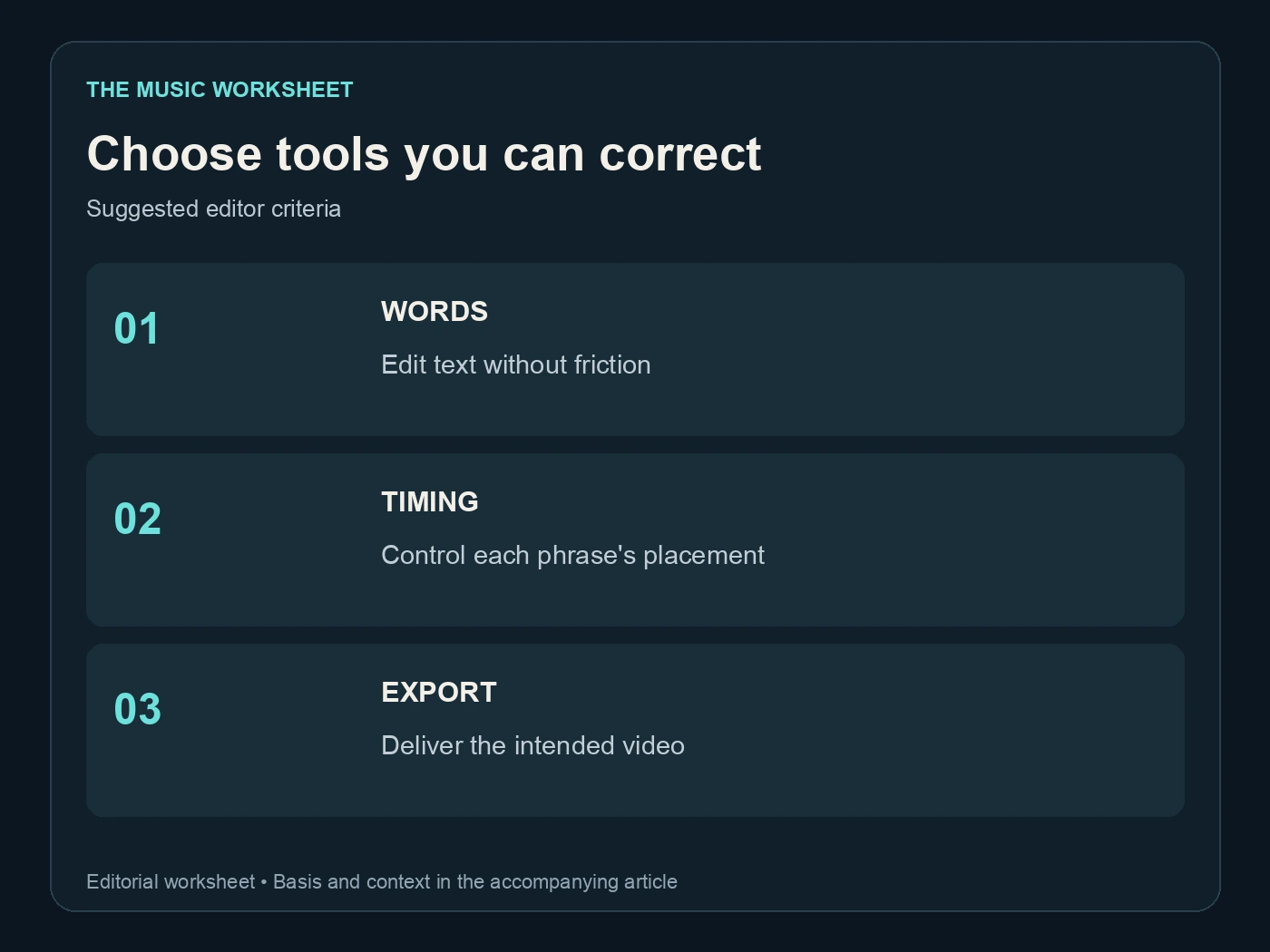
The three suggested selection criteria are text correction, timing control and export. These are practical requirements, not a ranking of products. An elaborate template is less helpful if changing a misspelled name breaks the layout or if the editor hides the start and end times.
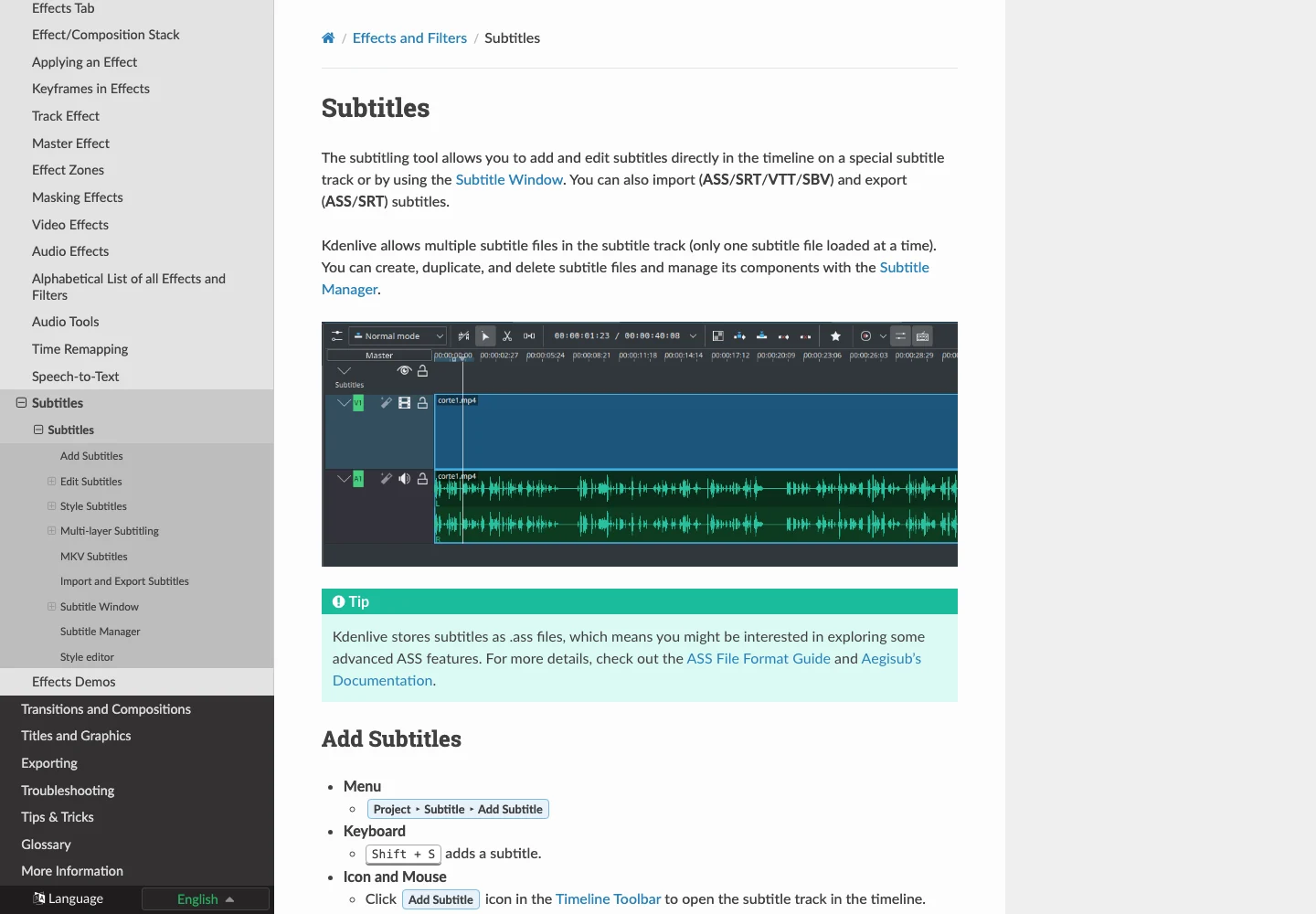
This guide uses Kdenlive's subtitle documentation as a concrete example of a timeline-based workflow. It documents subtitle editing and common import/export formats. You can apply the same production sequence in another editor that provides the controls you need.
Approve the soundtrack before timing the words
Choose the exact recording that will appear in the video. Check the first word, repeated sections and ending, then save an unmistakably named source file. A later change of take can alter phrasing even when the lyric remains the same.
WaveQuake can help develop the song before this stage. Its music creation page describes comparing vocal song versions. Select the performance first, rather than timing a lyric video to a temporary candidate and hoping another take will match it.
Our WaveQuake review and song-before-video workflow explain why the soundtrack decision belongs early. If the track needs AI artifact processing, evaluate Undetectr on a copy before locking the audio. Listen again and use the approved processed export consistently.
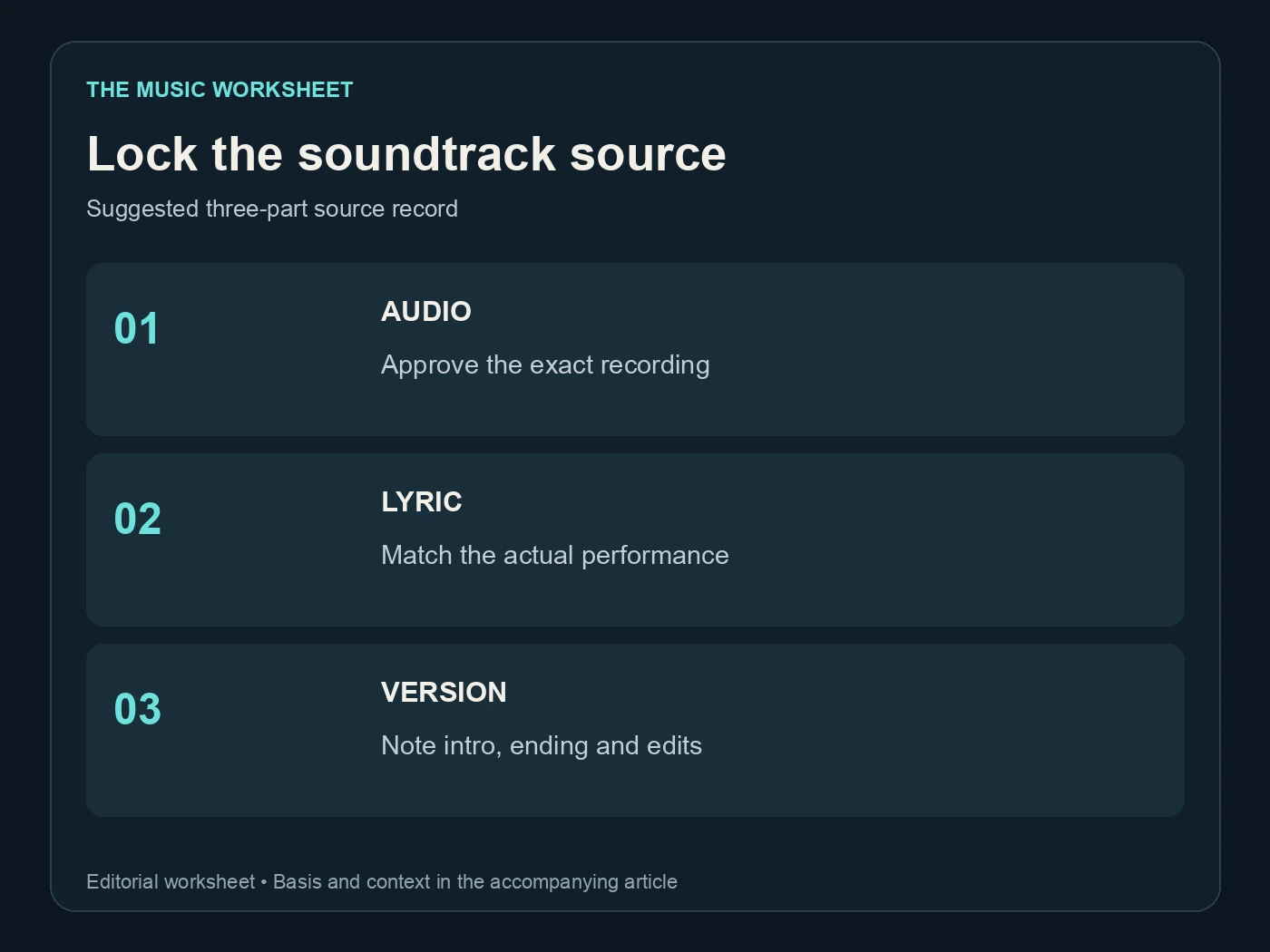
The suggested source lock has three items: audio, lyric sheet and version note. Record whether the soundtrack includes an intro, a shortened outro or any edit from the original generation. Those details affect where the first and last text events should sit.
Make the lyric sheet match the performance
Listen while reading the words. Correct additions, repetitions and changed phrases to match the approved recording. A polished written lyric that differs from the audio will make an accurate-looking video feel wrong.
WaveQuake's Songwriter page describes lyric development before generation. Keep that working draft separately from the delivery lyric. The two documents serve different purposes: one helps create the song, while the other describes what the selected performance actually sings.
Be particularly careful with names, contractions and repeated lines. If a word is genuinely unclear, resolve the audio or wording decision before animating it. Do not let a transcription tool choose a plausible phrase and then treat that guess as evidence.
| Suggested lyric review | Passes | Purpose |
|---|---|---|
| Read with the audio | 1 | Match every phrase |
| Listen without reading | 1 | Find unclear words |
| Check repeated sections | 1 | Catch changed repetitions |
| Review final line | 1 | Preserve the ending |
This four-pass method is a production worksheet, not a transcription accuracy claim. Save the corrected sheet with the exact audio filename so a collaborator knows which performance it belongs to.
Time phrases before animating individual words
Begin with phrase-level events. Mark when the singer starts the thought and when the text should leave. Keep the phrase visible long enough to follow, but avoid carrying a completed line across a new section when it creates confusion.
Kdenlive's subtitle tools provide an editable timing workflow. If you import a subtitle file, review it against the music rather than assuming its timestamps match your current export.
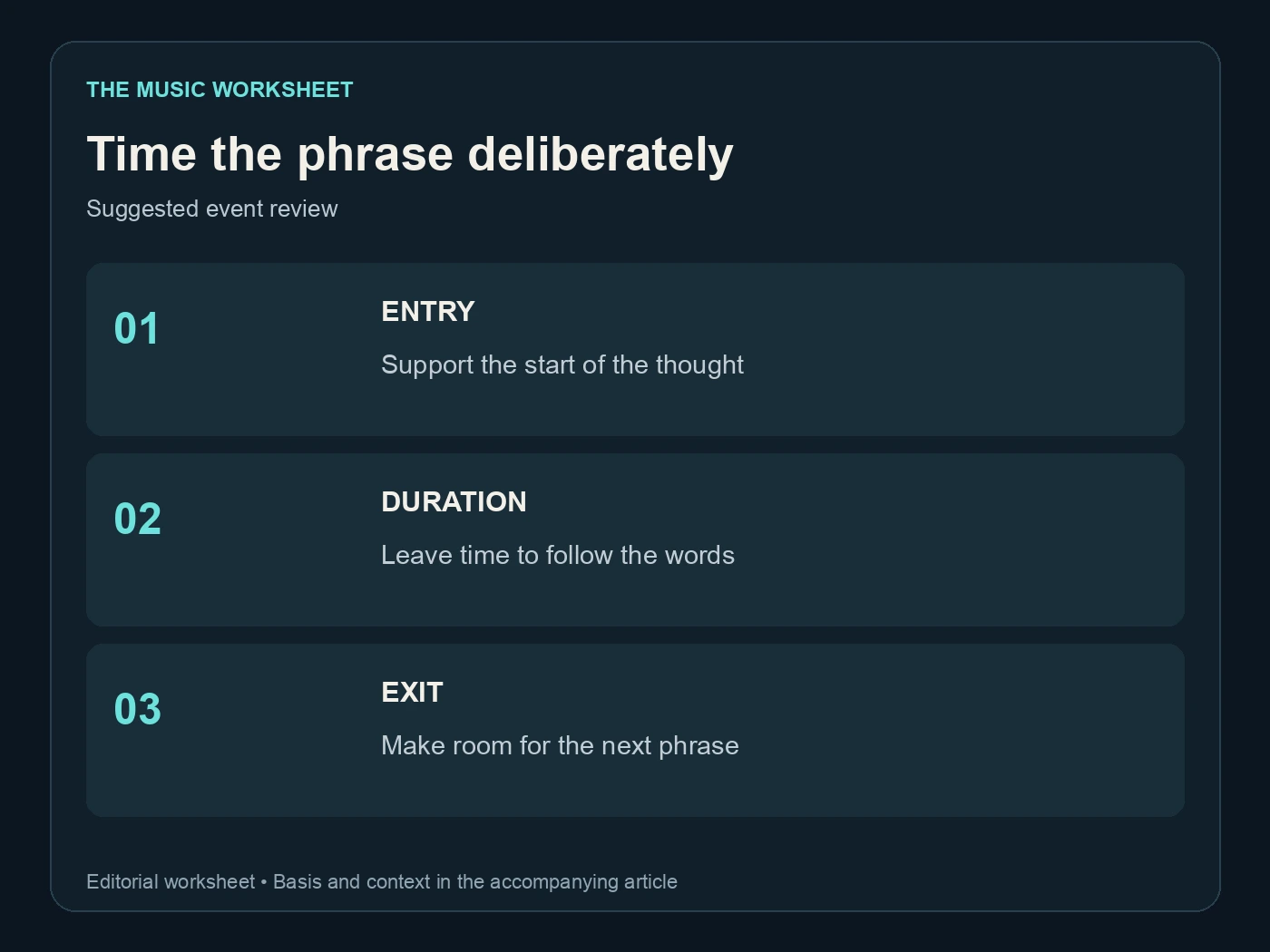
Use three timing checks for each difficult passage: entry, duration and exit. The entry should support anticipation without revealing several future lines unnecessarily. The duration should suit the delivery. The exit should leave the next phrase room to appear.
For a fast passage, split at a meaningful phrase boundary rather than forcing all the words onto one crowded card. For a sustained word, avoid changing the text so rapidly that the viewer loses the musical emphasis.
Only add word-by-word animation when it improves the experience. It creates more edit points and more opportunities for mismatch. A clean phrase-level lyric video is a complete format, not an unfinished version of a more animated one.
Build a readable visual system
Choose a small set of consistent decisions: typeface, text placement, colour and background treatment. Test them against the brightest and darkest scenes before duplicating the design throughout the video. Readability should survive the changing picture.
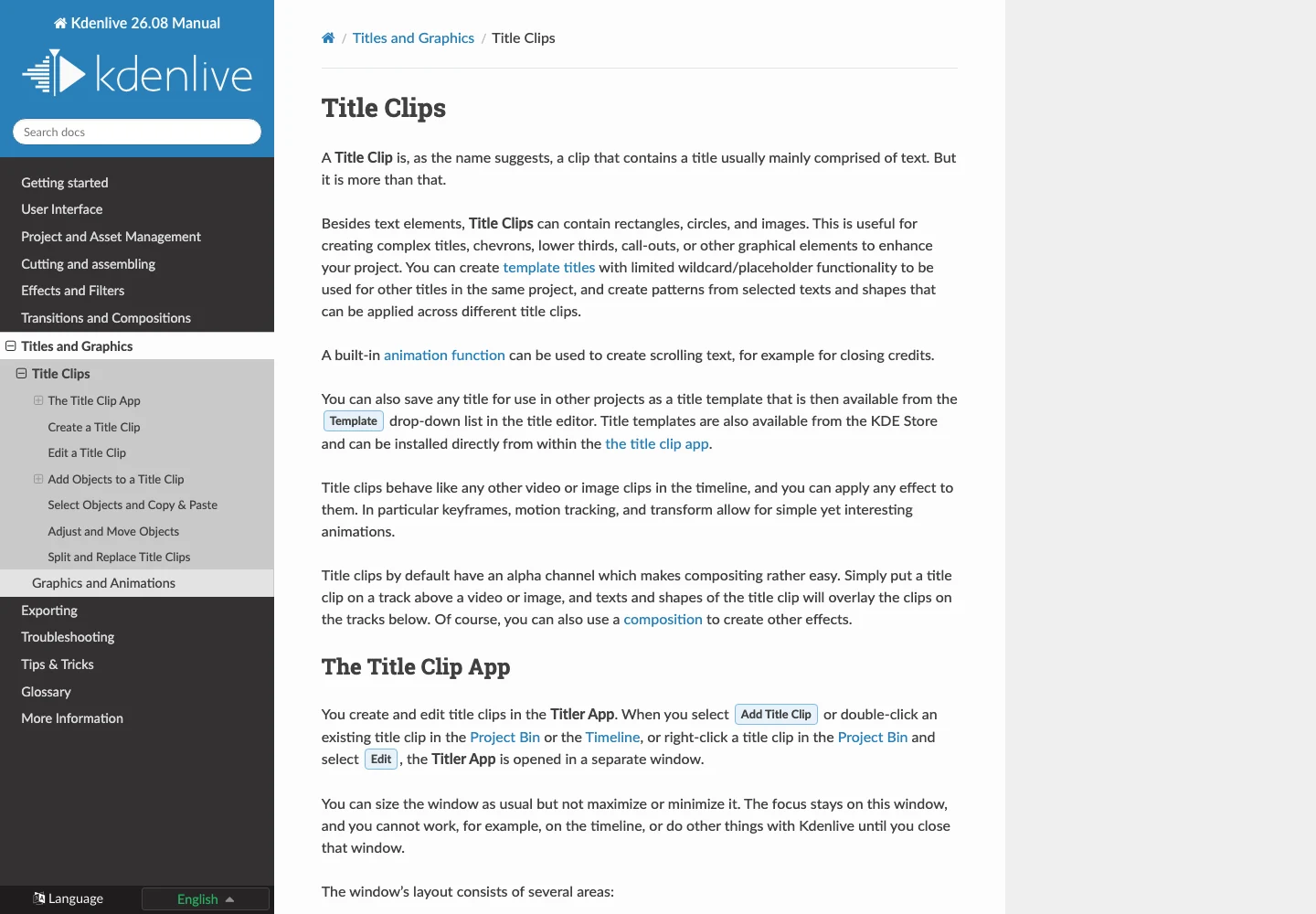
Kdenlive's title-clip guide explains its title workflow. Titles are useful when you need more visual control than a plain subtitle style, but maintain a consistent system so corrections remain manageable.
| Suggested design test | Variants to compare | Question |
|---|---|---|
| Text size | 2 | Which remains readable on the target screen? |
| Background treatment | 2 | Does contrast survive a bright scene? |
| Phrase length | 2 | Is one shorter phrase easier to follow? |
| Motion | 2 | Does movement support or compete with reading? |
These are comparison counts, not fixed typography rules. The right size depends on the frame, display and actual font. Preview the video at a realistic viewing size instead of judging text only on an enlarged editing monitor.
Keep important words away from elements likely to cover them in the destination app. Our Spotify Canvas size guide covers a separate short-loop format; do not assume a full lyric video and a Canvas use the same delivery design.
Let the background support the lyric
A lyric video can use a restrained recurring scene, an abstract visual or a more developed sequence. Choose the approach that fits the song and leaves room for reading. Constant scene changes are not automatically more engaging when they compete with dense text.
Suno's Visuals guide describes its video-creation workflow. If you use generated scenes, treat them as visual material to edit under the approved soundtrack. Check continuity, framing and text placement in your own sequence.
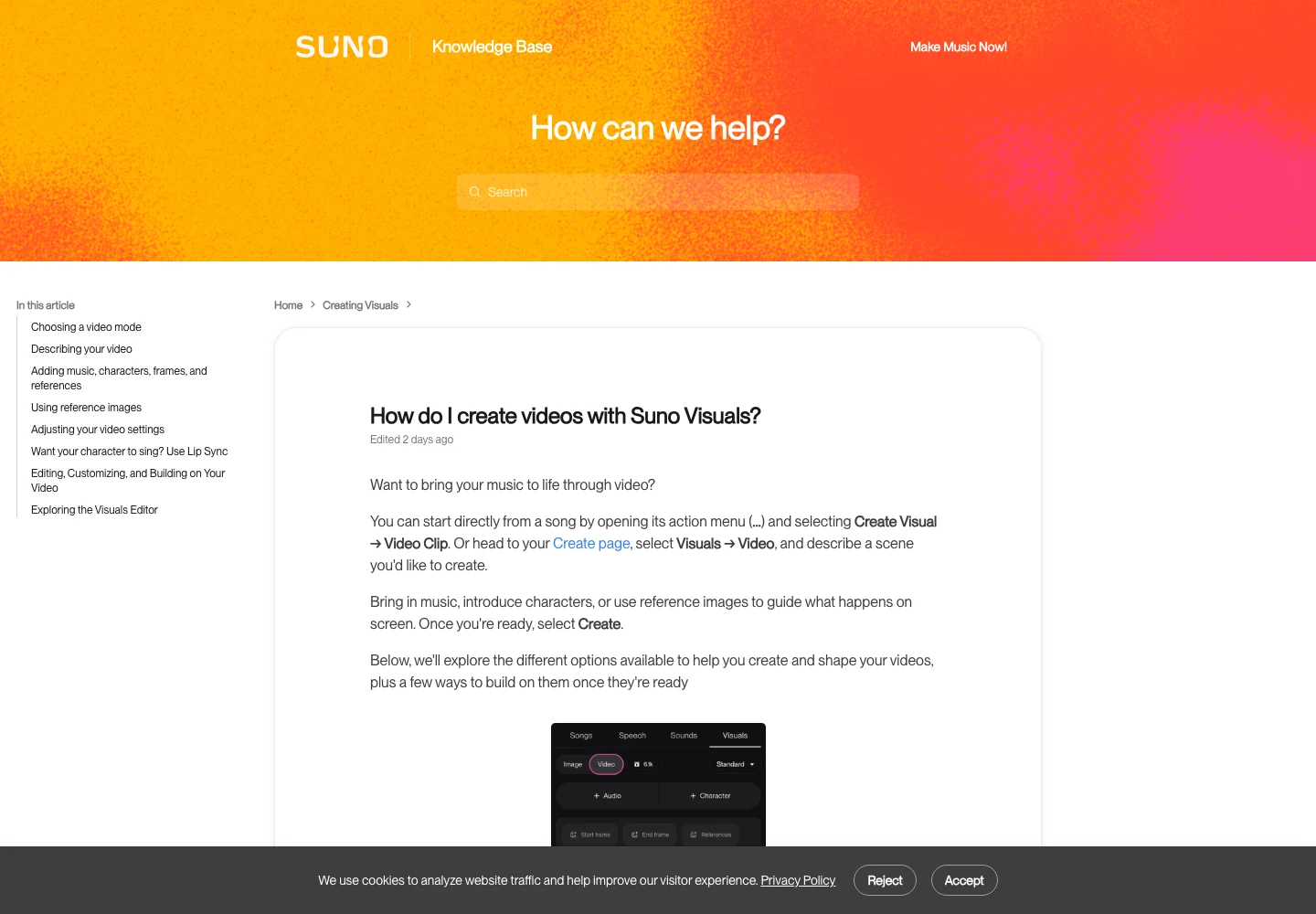
Do not build a scene around every noun in the lyric unless that literal treatment serves the song. A shared palette or setting can connect the video more naturally than a series of unrelated illustrations.
For a chorus, you can repeat a visual motif while changing one element to reflect the song's development. Repetition can help the viewer recognise the structure. Keep the lyric timing correct even when you reuse a scene; a later chorus may contain a different pickup or final word.
Our YouTube AI disclosure guide covers questions to check before uploading. Review the current destination requirements for the actual material you use, including any necessary permissions for images, voices or other supplied assets.
Export and review the complete video
Use the editor's documented export workflow and choose settings appropriate to the destination. Kdenlive's rendering guide explains its rendering controls. Confirm the selected region includes the entire song and intended ending.
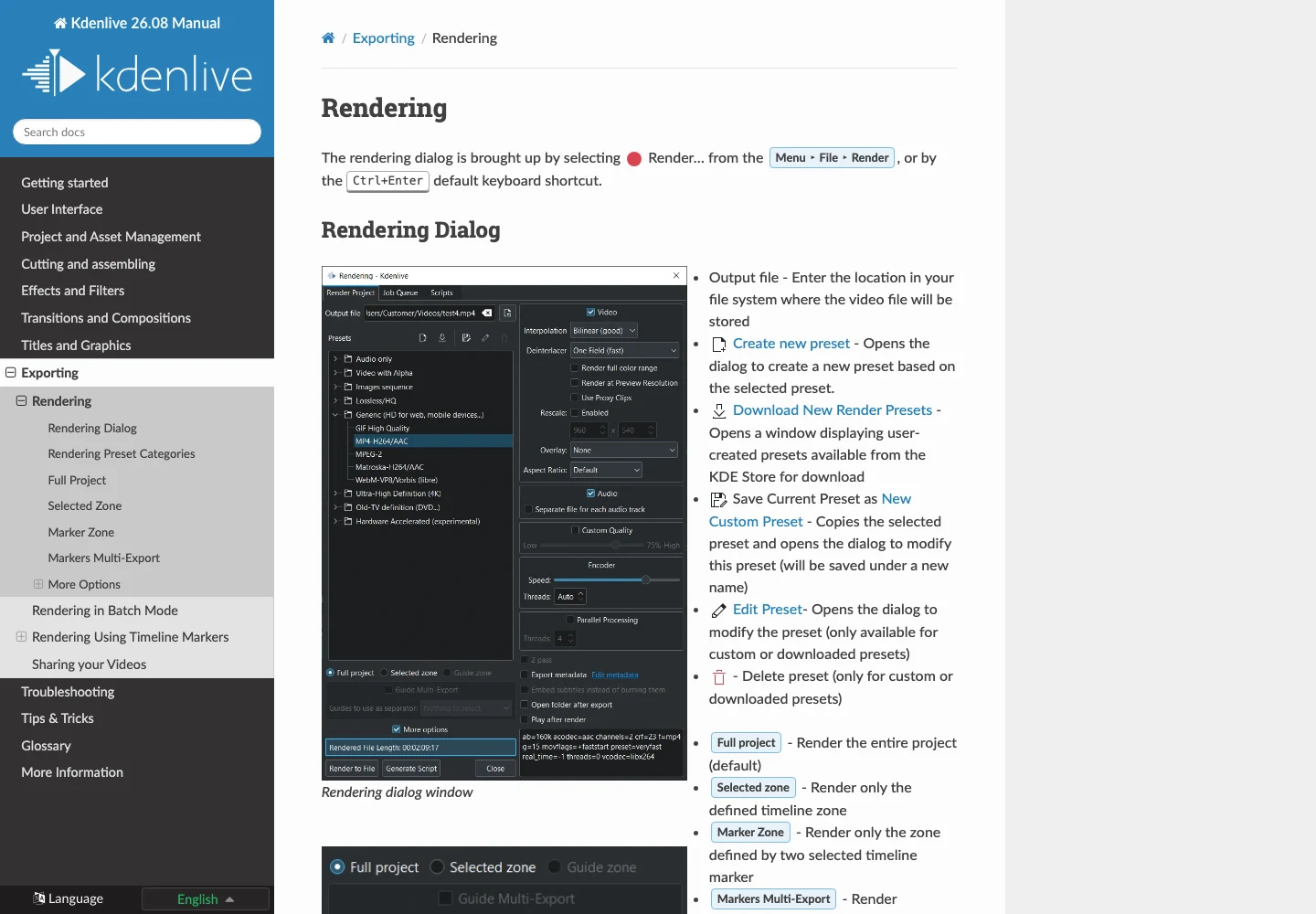
Watch the exported file in a separate player. Check that text, audio and picture are present, the soundtrack is the approved version and the last lyric is not cut off. A successful render message does not establish that the correct timeline region was exported.
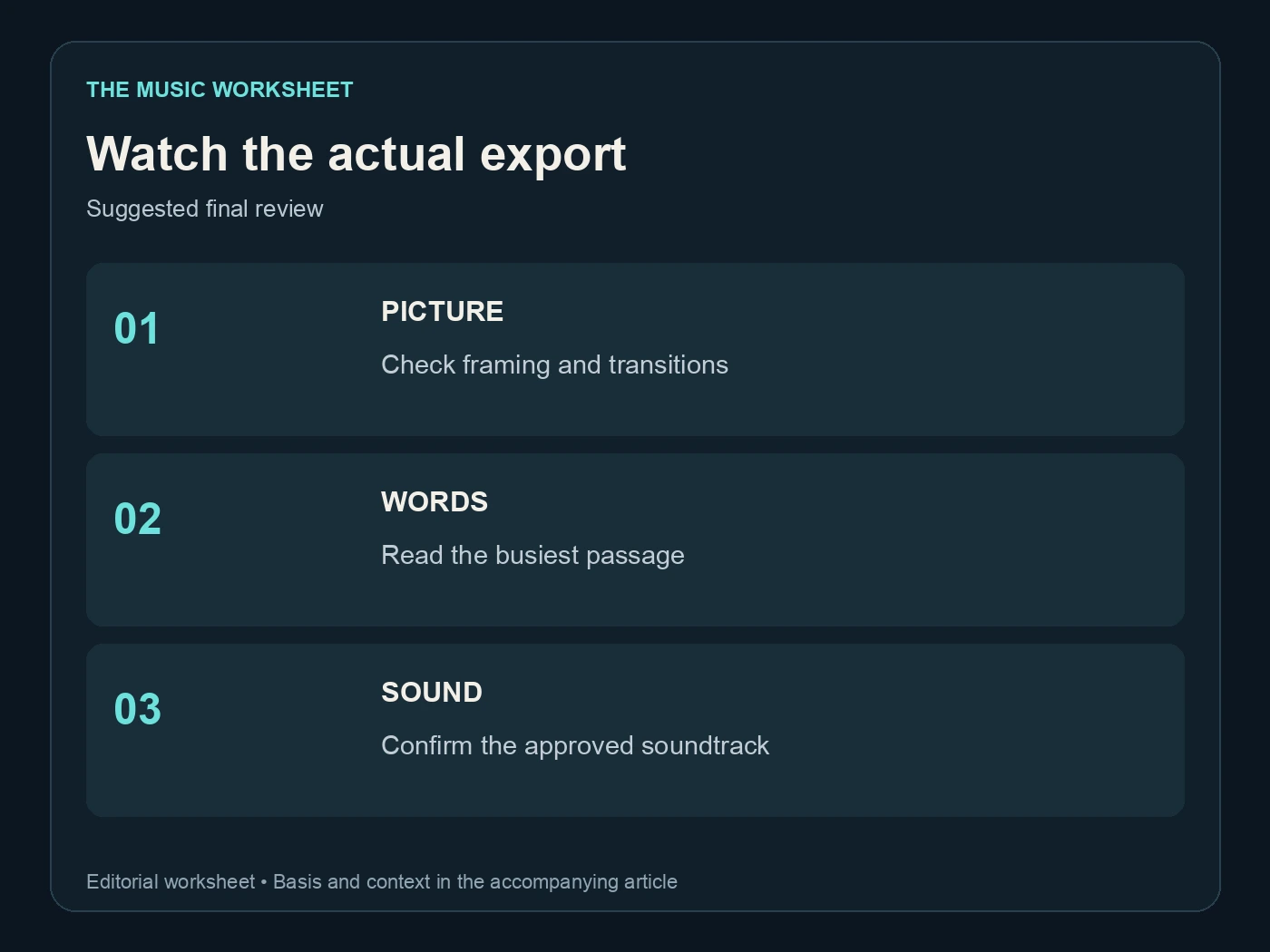
The suggested final review covers picture, words and sound. Watch once at normal speed without pausing, then revisit marked problems. On a small screen, check the busiest passage and the longest line. On headphones, check that no temporary audio or duplicate soundtrack remained active.
If the export looks correct but the uploaded preview does not, compare the actual delivered file and the platform's processed version separately. Avoid changing your source project until you know where the problem appears. Our AI music Content ID guide addresses another distinct upload consideration.
Keep the project ready for a revision
Archive the approved audio, corrected lyric, subtitle or title data and editable video project together. Include any fonts or assets you are permitted to share and note where other dependencies come from. A project file without its source media may be difficult to reopen later.
Give each delivery a clear version name. If you change only a misspelled word, record that distinction so the previous audio approval still makes sense. If you change the soundtrack, review all timing again rather than assuming the old subtitles remain aligned.
A short revision note should say what changed and which export is current. “Corrected second-verse name; audio unchanged” is useful. “Final final new” is not.
The best lyric video maker is the one that supports this complete process: accurate words, manageable timing, readable design and a dependable export. The visual style can be simple or elaborate, but the viewer should always be able to follow the song you intended to present.